

In previous articles, we discussed why your pharmacy needs a website and how to write content that improves SEO and AEO. Those are important topics, but they’re only part of the equation. Once you’ve decided to invest in a website, the next question becomes: What should you build and where should you build it?
For many independent pharmacy owners, creating a website can feel overwhelming. There are dozens of platforms to choose from, countless design options, and concerns about maintenance, security, and staffing. The good news is that building a professional pharmacy website is more accessible than ever.
The key is focusing on functionality over appearance. A website should do more than look good. It should help patients take action.
Start With the Right Platform
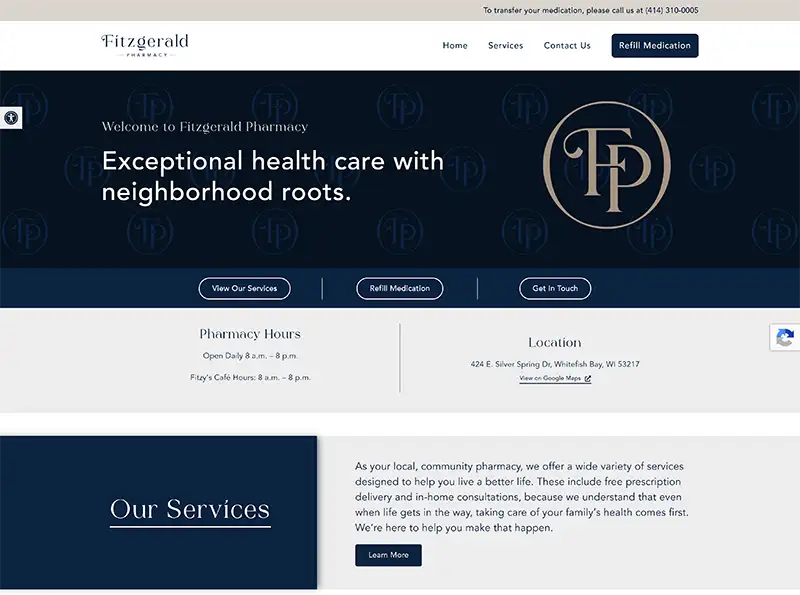

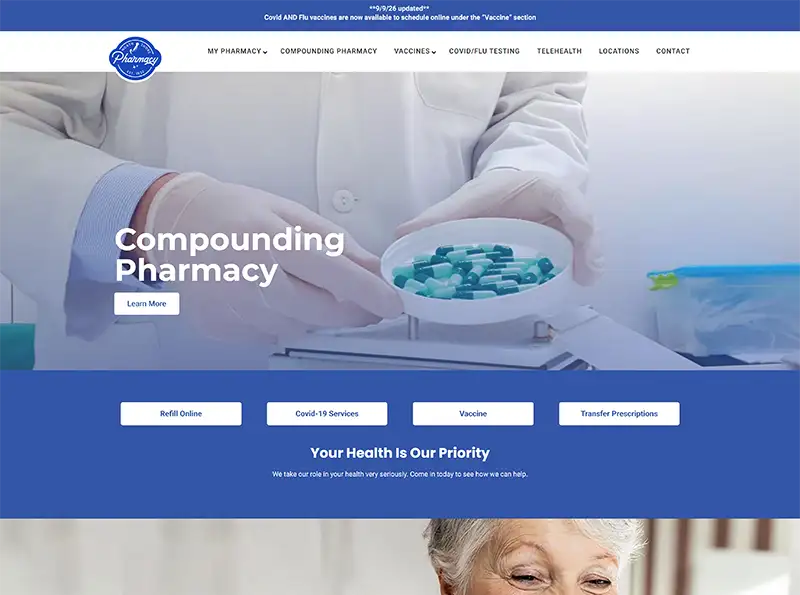
(Click image to visit website.)
There is no single “best” website platform for every independent pharmacy. The right choice depends on your goals, budget, technical expertise, and how much ongoing support you need.
Many pharmacy owners choose to work with pharmacy-focused providers such as IPC Vendor partners like PharmFresh Media or GRX Marketing because they understand the unique needs of independent pharmacy and often offer industry-specific features and support.
Others prefer to build their own websites using platforms like:
- HealthMart Atlas for pharmacies already utilizing the Health Mart ecosystem.
- Wix for a simple, budget-friendly option.
- Squarespace for polished design and ease of use.
- WordPress for maximum customization and long-term flexibility.
If you’re comfortable managing technology yourself, a DIY platform may work well. If you would rather focus on running your pharmacy, working with a pharmacy-specific website partner may provide greater value through ongoing support, updates, and industry expertise.
Regardless of which platform you choose, make sure you own your website, domain name, and content. If you ever decide to switch providers, you should be able to take your website with you.
Build Around Patient Actions
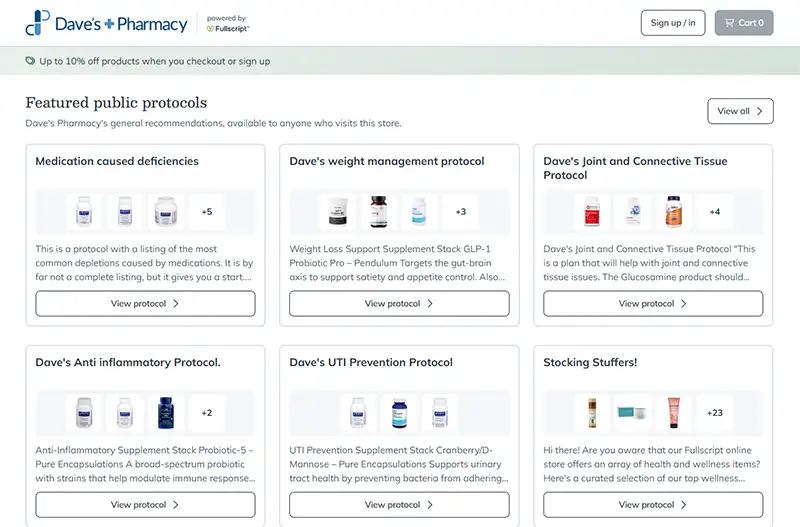
(Click image to visit website.)
One of the most common mistakes pharmacies make is treating their website like an online brochure.
Patients visit your website because they want to accomplish something. Your website should make those actions easy.
At a minimum, patients should be able to:
- Find your address, phone number, and hours.
- Request a prescription transfer.
- Access online refill tools.
- Schedule appointments.
- Contact your pharmacy.
- Learn about your services.
- Get directions to your location.
Think about the phone calls your staff receive most often. Every question that can be answered online saves time for both your patient and your team.
Leading pharmacies are also integrating:
- Vaccine appointment scheduling.
- Patient intake forms.
- Medication synchronization enrollment.
- Clinical service registration.
- Patient portals.
- Telehealth resources.
- Secure messaging tools.
The easier it is for patients to engage digitally, the better their overall experience will be.
Create a Structure That Makes Sense
A well-organized website helps patients quickly find what they need.
Consider including these core pages:
Homepage
Your homepage should immediately answer:
- Who are you?
- Where are you located?
- What services do you provide?
- How can patients contact you?
Homepage example featuring key navigation, contact information, and patient resources.
(Click image to visit website.)
About Us
Tell your story. Highlight your pharmacists, your team, and your connection to the community.

Team pages help patients connect with pharmacists and build trust before visiting.
(Click image to visit website.)
Service Pages
Each major service deserves its own page.
Examples include:
- Immunizations
- Medication synchronization
- Compounding
- Delivery services
- Point-of-care testing.
- Weight management programs
- Medical billing services
- Patient Resources
Provide access to:
- Refill requests
- Transfer forms
- Vaccination appointments
- FAQs
- Patient education materials
- Contact Page
Make it easy for patients to reach you on any device.
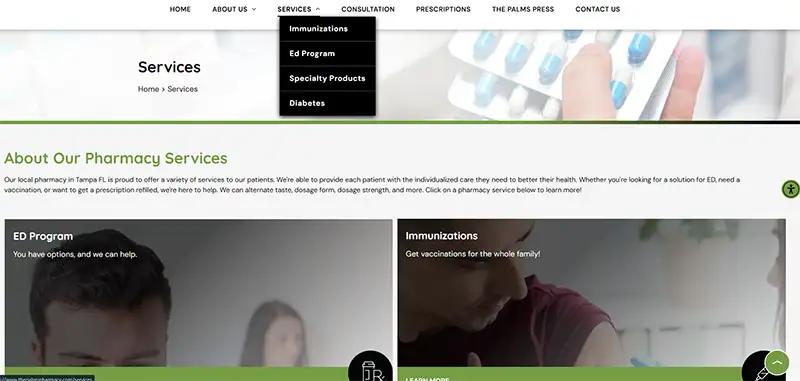
Dedicated service pages improve usability and search visibility.
(Click image to visit website.)
Don’t Forget Website Security
Security isn’t always the most exciting part of building a website, but it’s one of the most important.
If your website includes refill requests, appointment scheduling, patient portals, contact forms, or any exchange of patient information, security must be a priority.
At a minimum:
- Use SSL encryption (HTTPS)
- Keep software and plugins updated.
- Use strong passwords and multi-factor authentication.
- Work with trusted vendors and hosting providers.
- Include a privacy policy.
If your website connects patients to systems that contain protected health information, discuss HIPAA and data security requirements with your technology provider before launch.
A security issue can damage patient trust far faster than a website can build it.
Online Reviews Matter More Than Ever
Patients don’t just visit your website. They research your reputation.
Google reviews are often one of the first things a prospective patient sees before deciding whether to contact your pharmacy.
Positive reviews build trust. Negative reviews can create doubt.
Best practices include:
- Monitor reviews weekly.
- Respond to positive reviews with appreciation.
- Respond professionally to negative reviews.
- Never discuss patient-specific information publicly.
- Encourage satisfied patients to leave feedback.
As a general rule, try to respond within a few days whenever possible. Quick responses demonstrate that your pharmacy is attentive and engaged.
Your website should also make it easy for patients to find links to your Google Business Profile and other review platforms.
Who Is Going to Manage the Website?
One concern pharmacy owners often raise is staffing.
The reality is that most pharmacy websites do not require a dedicated employee.
For a typical independent pharmacy, plan for:
- 15-30 minutes per week reviewing forms, Google reviews, and website inquiries.
- 1-2 hours per month updating promotions, services, or blog content.
- Quarterly reviews of hours, staff information, services, and contact information.
- Annual audits of the entire website to ensure content remains accurate.
Someone should be responsible for website ownership, even if updates are handled by a vendor.
A website that sits untouched for years can quickly feel outdated and undermine the credibility you’re trying to build.
Measure What Matters
Your website should support business goals, not just generate traffic.
Track metrics such as:
- Website visitors.
- Phone calls from the website.
- Prescription transfer requests.
- Refill requests.
- Appointment bookings.
- Contact form submissions.
- Most-visited pages.
- Traffic sources.
- Google Business Profile interactions.
These insights help you understand what patients care about and where they may be getting stuck on their journey.
The Bottom Line
Building a website for your pharmacy is no longer about simply having an online presence. It’s about creating a digital experience that helps patients find information, take action, and build trust in your pharmacy.
Whether you choose a pharmacy-focused partner like PharmFresh Media or GRX Marketing, a platform like HealthMart Atlas, or a DIY solution such as Wix, Squarespace, or WordPress, the goal remains the same: make it easy for patients to choose your pharmacy.
The best pharmacy websites don’t just look professional. They work for patients, support pharmacy operations, and help independent pharmacies grow. When built thoughtfully and maintained consistently, your website can become one of the most valuable business tools your pharmacy has.